

 I'm a manager
 I'm a management company
 I'm a resident

Residential complex and residence management software
Managing a multi-block complex means common areas, security, staff and meters as much as dues. Yapıyön manages all of these in the same panel, tracking every block and unit separately.
Every area of your property, in one panel.
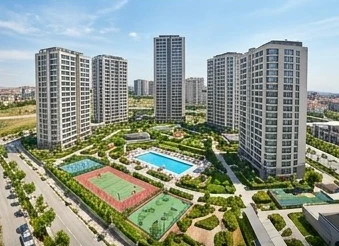
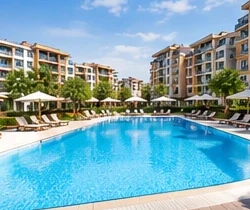
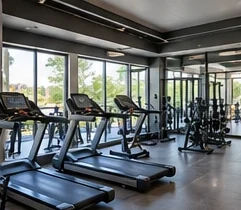
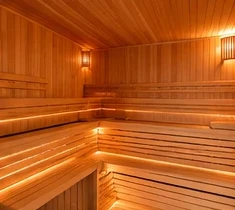
From booking requests for common areas to the field team's tasks, from the maintenance schedule to access at the gate, every job is recorded in the same panel. Click an image to explore that section.



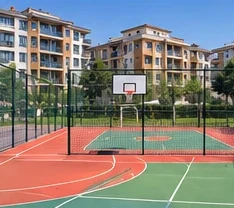
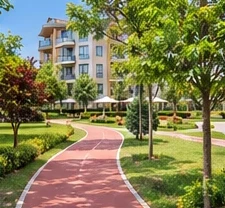
The seven heavy tasks of managing a complex.
We also wrote down which screen in the panel covers each task. You can follow the same path in the demo panel.
In the panel: Dues and Collections › Debtors
In the panel: Finance › Common Expense Allocation
In the panel: Technical & Facilities › Heat Cost Allocator Reading and Billing
In the panel: Community Relations › Bookings
In the panel: Security & Access › Visitors
In the panel: Staff › Shifts
In the panel: Management Tasks › General Assembly / Meetings
October in a 420-unit complex.
A month's work, day by day. Every step can be tried in the demo panel.
This is an example scenario; it does not describe a real customer. The dates and unit count are examples.
In the panel: Dues and Collections › Dues
In the panel: Technical & Facilities › Heat Cost Allocator Reading and Billing
In the panel: Finance › Bank Reconciliation
In the panel: Technical & Facilities › Reminders
In the panel: Communication › Bulk Messaging
In the panel: Reports › Report Center
The dues screen, through the management's eyes.
The demo property's October period. Residents see the same record in their app as their own balance.
Resident side: the same charge appears in the resident app as “Your current balance”; when a payment is made, both sides are updated together.
- 1
Period summaryCharged, collected and remaining amounts at the top; the collection rate on the same line.
- 2
FiltersNarrow the list by block, month or status: paid, partial, pending, overdue.
- 3
Unit rowCharged, paid and remaining amounts, due date and status; it also shows where the payment was recorded from.
The modules your property will use most.
About residential complex and residence management.
If you have a question specific to your property, write to us; we reply the same day.

Can dues be tracked by block?
Yes. The dues list is filtered by block and unit; debtors and payment notices are tracked on separate screens.
How are common expenses allocated to the units?
On the Common Expense Allocation screen you select the expense and the allocation key (land share, m² or equal). You see each unit's share before approving; once you approve, the charge is posted to the units.
How is the heating and hot water bill allocated?
Heat cost allocator or heat meter readings are entered and the incoming bill amount is written in. The amount is allocated to the units by the method you choose, for example 80 percent consumption and 20 percent common share; when you bill it, it is posted to the units' balances.
Do security staff see residents' balances?
No. Security staff see only their own desk: visitor, access, patrol and incident records.
Can the records in our current program be migrated?
Your existing records are reviewed and a migration plan is drawn up to transfer your suitable data to Yapıyön.