


Skip to content
Information team+90 (216) 235 14 17Weekdays 09:00 – 00:0025% revenue share for resellers for 12 months
FeaturesPricingResellersCall the information team+90 (216) 235 14 17 · Weekdays 09:00 – 00:00
Security

Security and access

Access records for visitors, parcels, plates, cards, QR and HGS. Every screen in the panel comes with its own “How do I…?” guide; if you get stuck, ask Yona, our AI robot.

  • Visitor and parcel records
  • Access by plate, card, QR and HGS
  • Patrol points and cameras
What can you do?

What's in this section?

Each item is a separate screen in the panel and comes with its own “How do I…?” guide.

Visitor recordsWhen a visitor arrives at the gate, to record them and notify the resident.
Security managementFor managing which post and shift security staff work at, their roles and the gate instructions shown on the security desk.
Vehicle accessVehicle access by plate, QR and card; barrier and guest vehicle records.
ParcelsRecord incoming parcels; mark them when delivered or returned.
PatrolPlace QR codes at the patrol points; the round is recorded each time the security guard scans one.
CamerasThe list of cameras and footage requests in the same place.
Real screen

This is how it looks in the panel

Screens taken from the local demo property. Click a screen to open it at full size.

Visitors

Who visited whom, and when.

Access records

Entries made by card, plate and QR.

At the gate and in the field, you are in control

Access records and the field team's rounds in the same panel: who passed where and when, or what they checked, is written in the record.

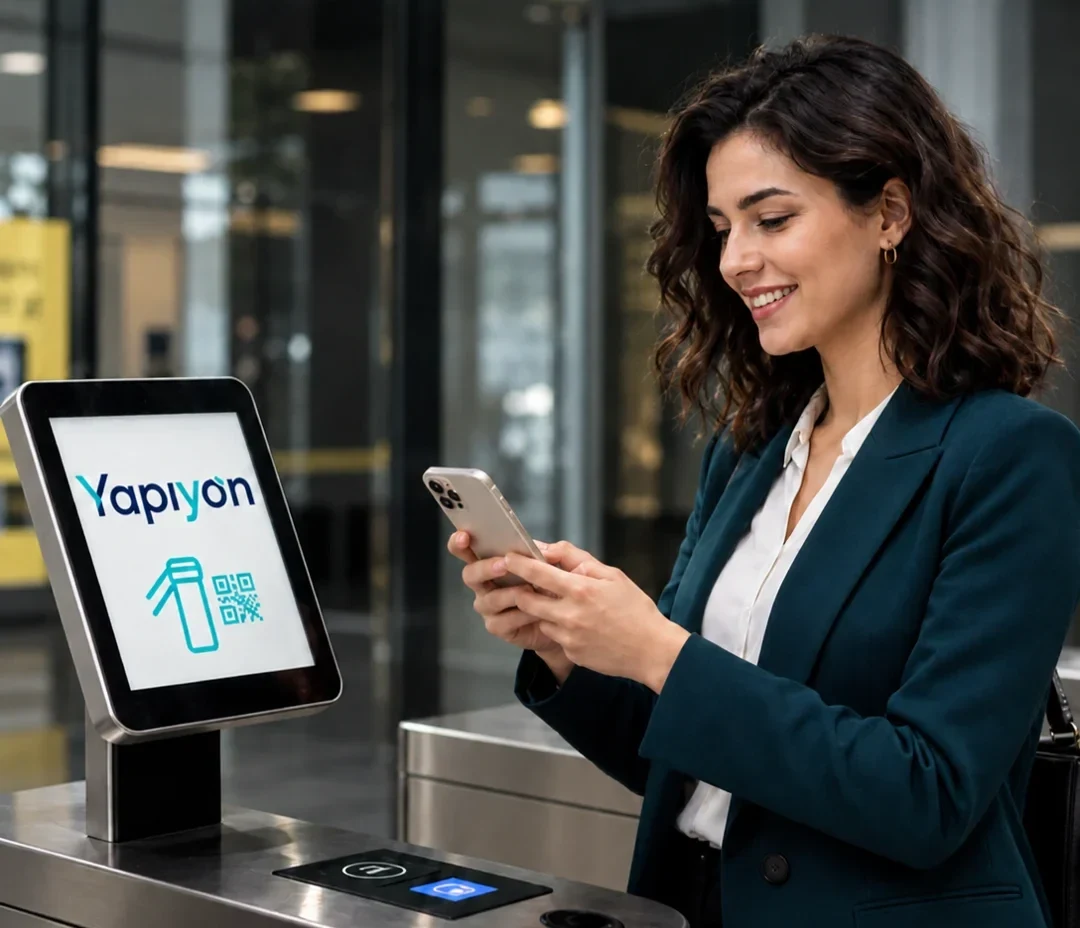
A resident scanning the QR code on their phone at the turnstile screen.
Access with QR, HGS and plate recognition

Don't have your access card with you? Enter with a QR code.

Residents enter by scanning the QR code on their phone. Vehicles pass with HGS or plate recognition (PTS); every entry is recorded.

  • QR code at the pedestrian entrance
  • HGS and plate recognition (PTS) at the vehicle entrance
  • Visitor and guest vehicle registration
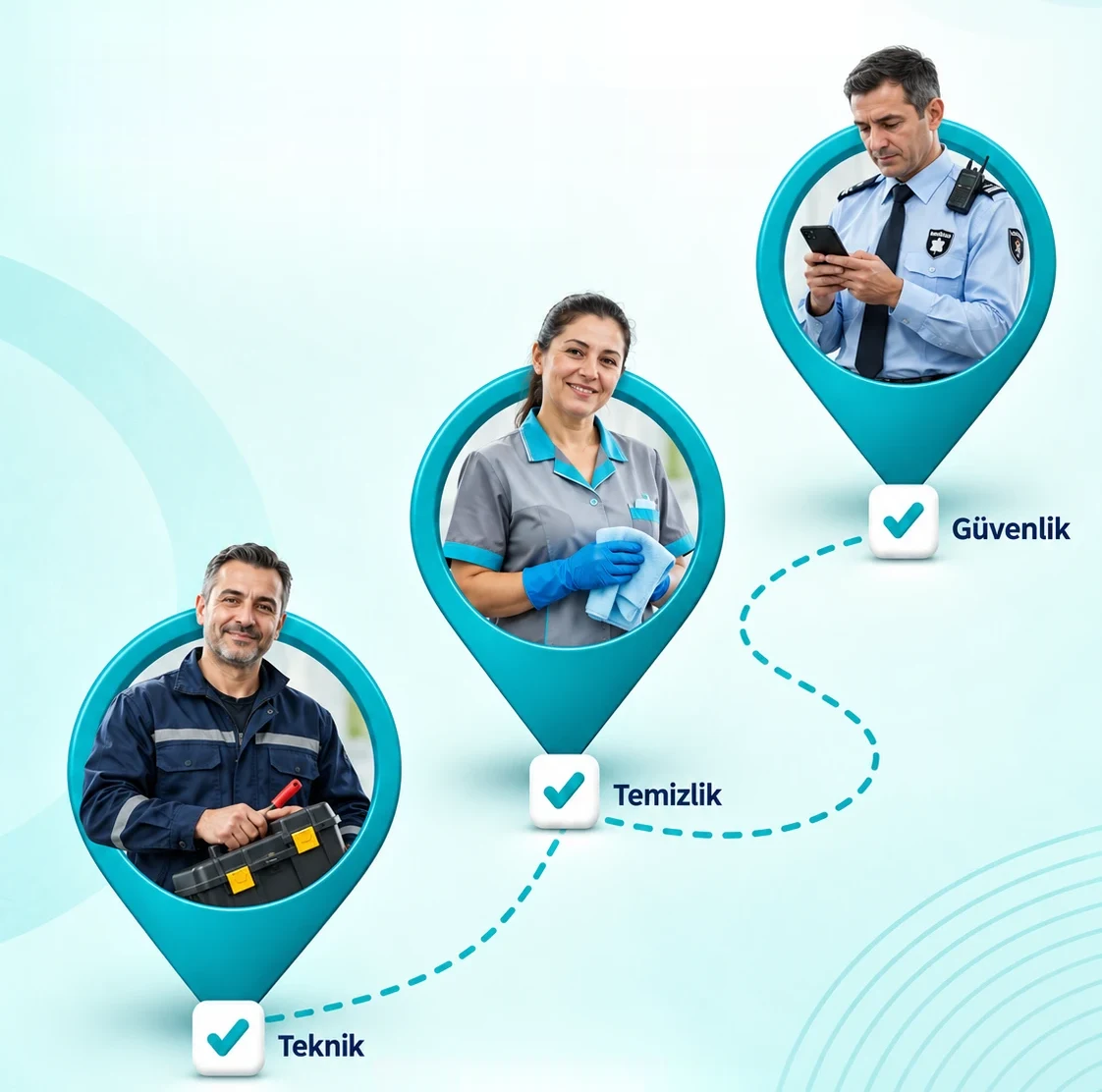
Round checkpoints for technical, cleaning and security staff; each checkpoint marked as checked with a tick.
Round control system

Your team is in the field. You are in control.

Security, cleaning and technical staff carry out their rounds by phone; a record is created each time they scan the QR code at a checkpoint.

  • Security: patrol points and incident reports
  • Cleaning: area cards and task sign-off
  • Technical: work orders, photos and costs
Staff and field
How do I…?

Step by step, with the panel's own guide

The steps below are the same as those written in this screen's “How do I…?” card in the panel.

  1. Visitors announced in advance by the resident appear on the list.

  2. Notify the resident of an arriving visitor with a single tap by WhatsApp, SMS or phone.

Caution: Do not let a visitor in without the resident's approval.

YonaYou don't need to search the menu to find this screen. Just write something like this to me:

“visitor”“guest”“at the gate”

Introduce your property to Yona, our AI robot.

Select your number of units and enter your details; the agreement and payment link arrive the same day.