

 I'm a manager
 I'm a management company
 I'm a resident

Amenities and meters
Pool and hall bookings; meter reading and billing. Every screen in the panel comes with its own “How do I…?” guide; if you get stuck, ask Yona, our AI robot.
- Pool, hall and meeting room bookings
- Meter reading and billing
- Remotely read meter records
What's in this section?
Each item is a separate screen in the panel and comes with its own “How do I…?” guide.
This is how it looks in the panel
Screens taken from the local demo property. Click a screen to open it at full size.
Bookings
Meters
Meter center
On the resident's phone
Your property's common areas in one panel.
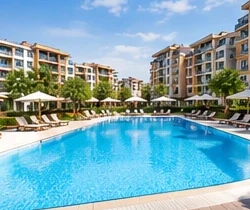
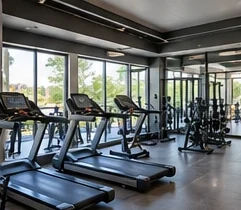
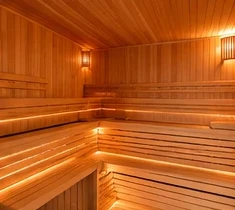
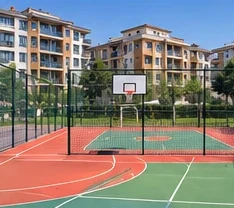
You manage requests to use common areas such as the pool, hall and meeting room from the panel. The periodic maintenance of these areas is planned in the Technical maintenance module.
Step by step, with the panel's own guide
The steps below are the same as those written in this screen's “How do I…?” card in the panel.
Approve or reject incoming requests.
For a request received by phone, use New Booking.
Caution: Before approving, check that there is no other booking at the same time. The approval is not sent to the resident automatically; notify the resident separately if needed.

YonaYou don't need to search the menu to find this screen. Just write something like this to me:
Used together with this
From the lift to the generator, a reminder before the maintenance date arrives.
View detailsDues and collectionsPost the dues, record the payment, and the receipt is issued automatically.
View detailsAccounting and reportsDouble-entry ledger, trial balance and statements ready for your accountant.
View details